How to Use Secrets AI: Complete Beginner's Guide (2026)
Getting started with Secrets AI takes under 5 minutes from zero to first conversation. No download, no app store, no complex setup. The platform runs entirely in a browser — you create an account, pick a character, and start chatting. This guide walks through every step in order, with practical tips for making the most of your starting 200 free Moments.
Step 1 — Create Your Account

Open any browser (Chrome, Safari, Firefox — all work) and navigate to secrets.ai. Click the sign-up option on the landing page.
What you need:
- An email address
- A password
That is it. No real name required. No phone number. No social media account link. Account creation takes under 60 seconds. When your account is active, you immediately receive 200 free Moments and full access to browse the character library.
For users wanting additional privacy: use a separate email address not linked to your primary identity. Secrets AI does not require real name verification. Cryptocurrency payment is accepted (minimum $20) for payment privacy later if you upgrade.
Step 2 — Choose Your First Character
After login, you land on the character library. Approximately 94 pre-built characters are available — predominantly hyper-realistic female models with some anime-style options. Each character has a defined personality profile, backstory, and preset scenario context.
Browse by scrolling or filtering. Each character card shows the visual, name, and personality summary. Click on one to see the full profile before committing to a conversation.
Alternatively, create a custom character. The first custom character is free. Additional custom characters cost 1,000-1,500 Moments. Customization options:
- Ethnicity (9 options), skin tone, eye color, hairstyle
- Body type (6 options), voice (6 options)
- Personality traits: confidence level, playfulness, dominance, intelligence
- Profession (5 presets), personality style (5 presets)
- Hobbies and a free-text detail field for specific backstory elements
Recommendation for first-time users: start with a pre-built character to test the conversation system before spending time on customization.
Step 3 — Start Your First Conversation
Opening a character starts the conversation interface. Conversation starters are displayed — choose one or type your own opening. The starters are roughly half casual, half suggestive. For a first test, the casual starters are useful for evaluating conversation quality without immediately pushing into NSFW territory.
The AI responds naturally, asks follow-up questions, and establishes personality from the first exchange. Set the tone in your first few messages — the AI reads your communication style and adapts to it.
Free tier reminder: 20 messages per day maximum, 500-character limit per message. The daily cap resets every 24 hours. If you hit the limit, you can either wait or upgrade to a paid plan.
Practical tip: be specific in your messages. Vague inputs produce generic responses. Detailed, specific messages get engaged, character-appropriate replies. Tell the AI about your preferences, ask specific questions, describe what you want in the scenario — the more context you give, the better the response quality.
Step 4 — Explore Media Features
Generate Images
Images are generated from within the chat interface. Tap the image generation button and enter a prompt. Cost: 25-50 Moments per image. Four images are auto-generated when you first set up a new character, giving you immediate visual content without spending extra.
Two generation models are available: standard (all paid tiers) and advanced (Premium tier). Advanced produces noticeably higher detail. With your 200 starting Moments and no video or voice use, you can generate 4-8 images to evaluate quality before deciding whether to upgrade.
Create Videos
Video generation starts from an existing image — select an image you have generated, add a prompt describing movement or action, and submit. Generation takes approximately 2 minutes.
Cost: ~50 Moments for a short 3-second clip, up to 600 Moments for a longer clip. Video is the most Moments-intensive feature. Recommendation for new users: do not spend your starting 200 Moments on video — generate images first to evaluate the visual quality, then decide if video generation justifies upgrading to a paid plan.
Video generation is available starting from the Lite plan ($5.99/month). The free tier does not support video.
Try Voice Calls
Voice calling is available on all paid plans. 6 voice options are available. Cost: 100 Moments per minute. Voice tone adapts to conversation context rather than maintaining a static delivery. Rated 4.3/5 by reviewers.
Step 5 — Manage Your Moments
Moments balance is visible in account settings. Track it regularly if you use media generation — depletion is easy to overlook during an engaged session.
Cost reference:
- Text messages: 1-2 Moments each
- Images: 25-50 Moments each
- Short video (3 seconds): ~50 Moments
- Long video clip: ~600 Moments
- Voice call: 100 Moments per minute
- Memory save: 10 Moments per entry
- New character: 1,000-1,500 Moments
Monthly plan allocations reset without rollover. Additional Moments can be purchased in bundles starting at 1,980 Moments for $5.99. If you find yourself consistently running low, upgrading to Plus ($9.99/month) adds 3,000 Moments monthly and unlimited messaging.
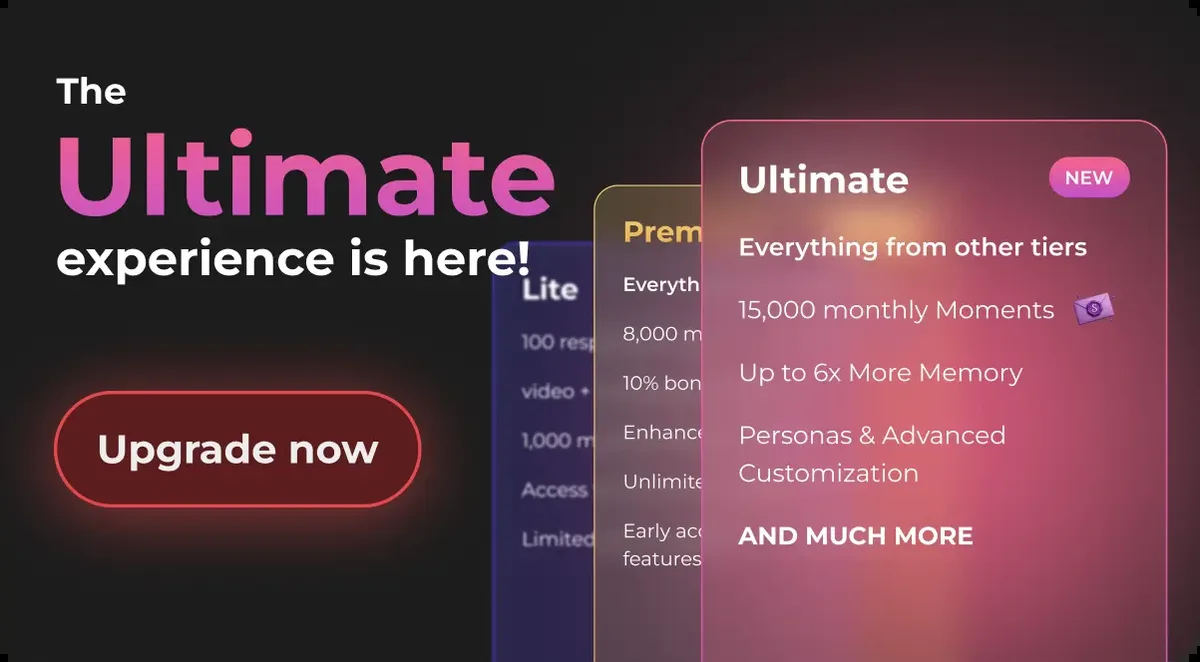
For a full breakdown of what each tier provides, see the choose a plan guide.
Step 6 — Enable Privacy Features
Private Mode encrypts your conversations with end-to-end encryption and opts them out of AI model training. To enable it: access conversation settings at the start of any chat and activate Private Mode for that thread.
Important: Private Mode is per-conversation. You must enable it individually for each conversation you want encrypted. There is no global toggle.
Billing for all charges appears as "Sun Clinical Laboratories" on bank statements — no reference to Secrets AI or adult content. This applies automatically to all purchases.
Tips for New Users
Practical advice distilled from extended platform use:
- Start with the free tier to test conversation quality before paying anything
- Use your 200 starting Moments on images (25-50 each) rather than voice or video to get the most test coverage
- Create detailed character profiles — the specificity you put into setup directly improves conversation quality
- Memory is severely limited on the free tier (2-3 exchanges); paid tiers make the relationship simulation actually work
- Plus ($9.99/month) is the sweet spot for most users: unlimited messaging, 3,000 Moments, 30-day memory
- Add secrets.ai to your phone home screen for app-like access without any download
- Save important story moments manually (10 Moments each) to ensure retention on any tier
For guidance on deciding between the free and paid experience, see the which plan to pick breakdown.
Common Issues and Solutions
Messages not sending
Check whether you have hit the daily message limit. The free tier allows 20 messages per day. The counter resets every 24 hours. If the limit is the issue, you can wait for reset or upgrade to Lite (100/day) or Plus/above (unlimited).
AI seems forgetful
The free tier retains only the last 2-3 exchanges. Everything before that is inaccessible to the AI. This is not a bug — it is the memory limit of the free plan. Upgrading to Lite or Plus extends recall to 14 or 30 days respectively. Premium and Ultimate offer unlimited memory.
Slow responses
Peak usage periods cause response delays across the platform. This is not specific to your account or settings. Try during off-peak hours (late night, early morning) for faster responses. There is no manual way to increase response speed within the platform.
Cannot generate video
Video generation requires Lite plan or higher plus available Moments. It is not available on the free tier. Additionally, video requires that you have a generated image to convert — you cannot generate video directly without a source image.
Forgot password
Use the password reset option on the login page at secrets.ai. A reset link is sent to your registered email address. If the reset email does not arrive, check spam/junk folders. Email must match the registered address exactly.
For chat tips, the dedicated chat guide covers conversation techniques and NSFW interaction in more depth.
How do I get started with Secrets AI?
Go to secrets.ai in any browser, create an account with email and password (no name required, takes under 60 seconds), and you immediately access the character library with 200 free Moments. Choose a pre-built character or create a custom one (first is free), and start chatting. No download, no app installation, no payment required to start.
Do I need to download anything?
No. Secrets AI is entirely browser-based. No download, no installation, no app required. Open secrets.ai in Chrome, Safari, Firefox, or any modern browser on any device — desktop, tablet, or smartphone. The experience is identical across devices.
How many free messages do I get?
The free tier allows 20 messages per day with a 500-character limit per message. The daily cap resets every 24 hours. This is sufficient for 1-2 conversation sessions to evaluate quality. For sustained use without a daily limit, the Plus plan ($9.99/month) removes the message cap entirely.
Can I use Secrets AI on my phone?
Yes. The platform is mobile-responsive and works correctly in mobile browsers on iOS and Android. Open secrets.ai in Safari (iOS) or Chrome (Android). You can also add it to your home screen via your browser's share or menu function, which creates an app-like shortcut. There is no native app — the experience is browser-based on mobile as on desktop.